
Statements & Reports
Learn how to access production statements, payout reports, and VAT invoices from the Amwal Merchant Dashboard.
After your merchant profile is activated, use the dashboard environment toggle to switch between Sandbox and Production.
Switch to Production to view real transactions and financial reports.
In Production, use the left navigation menu to access the main reporting and financial management sections:
Statements
View detailed transaction statements.

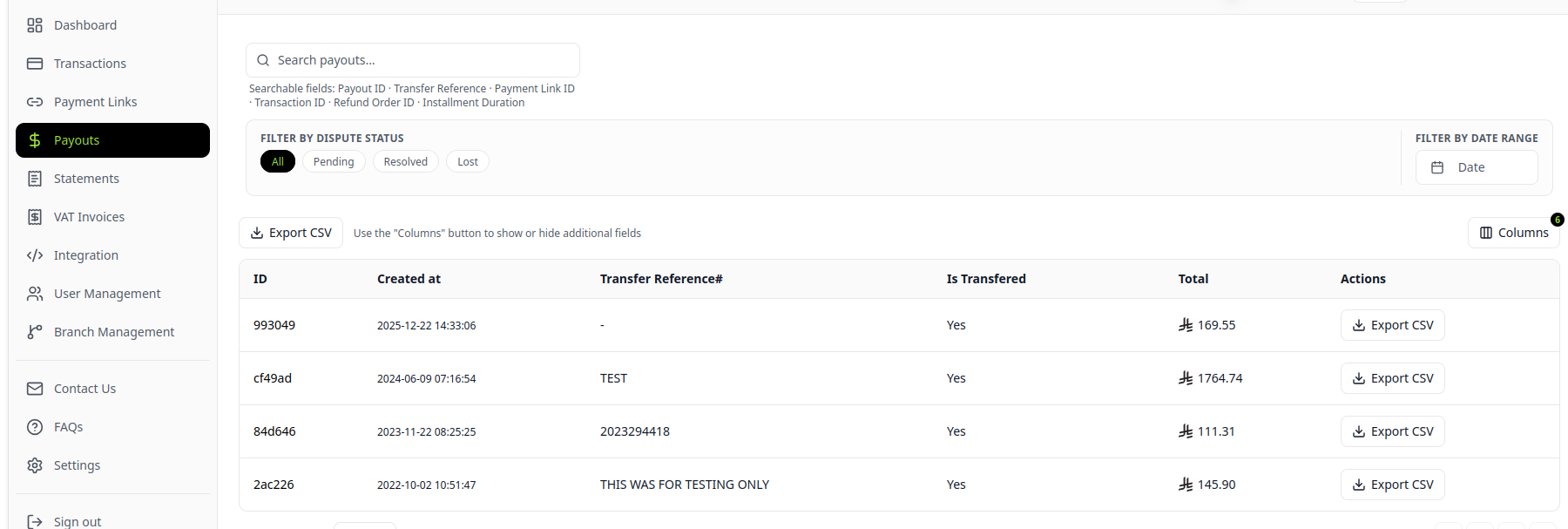
Payouts
View payout summaries and payout history.
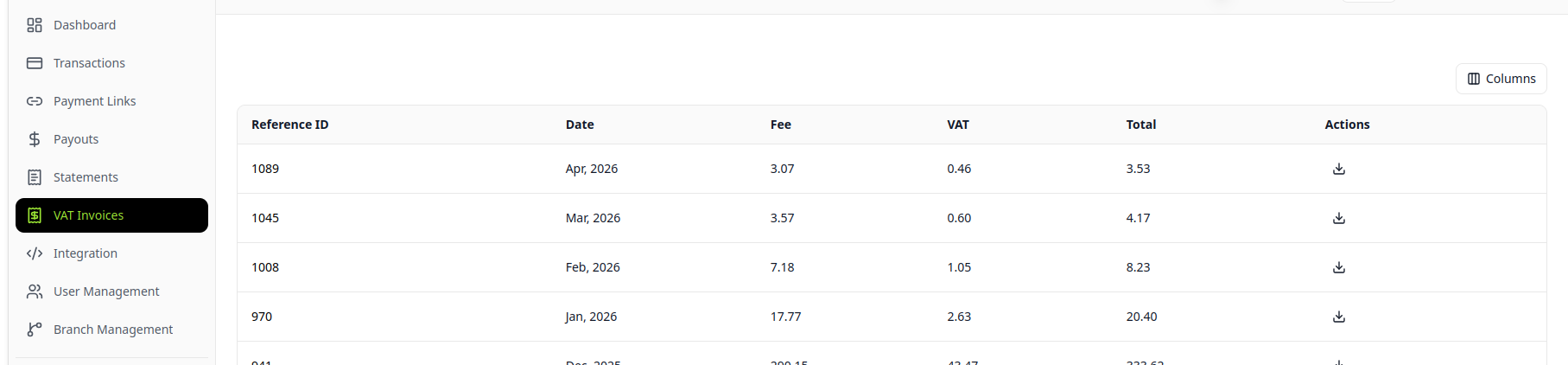
VAT Invoices
View and download VAT-related invoices.
Sample Reports
View the sample reports for Statements, Payouts, and VAT Invoices to understand each report format.
Updated 2 months ago
Did this page help you?