
Dashboard Overview
The Amwal Merchant Portal (https://merchant.sa.amwal.tech) is your centralized command center for monitoring daily revenue, managing multi-store operations, tracking bank settlements, and issuing in-store payment links. Built specifically for Saudi Arabian commerce and SAMA regulatory compliance, the portal bridges live checkout transactions with automated banking settlement workflows.
1. Authentication & Portal Access
Merchants access the portal at merchant.sa.amwal.tech through a secure 2-factor authentication flow with biometric and passkey support:
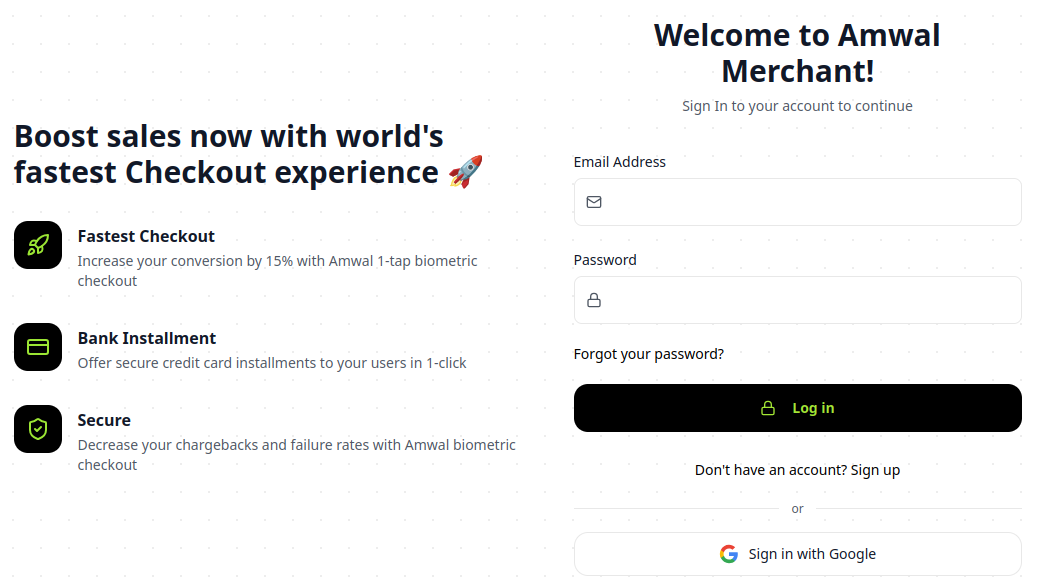
- Log In: Securely sign in to your merchant account.
- Sign Up: Register a new merchant organization.
2. Real-Time Financial Analytics & KPIs
The main dashboard provides an aggregated, real-time snapshot of your sales velocity, payment method distributions, and pending payouts:
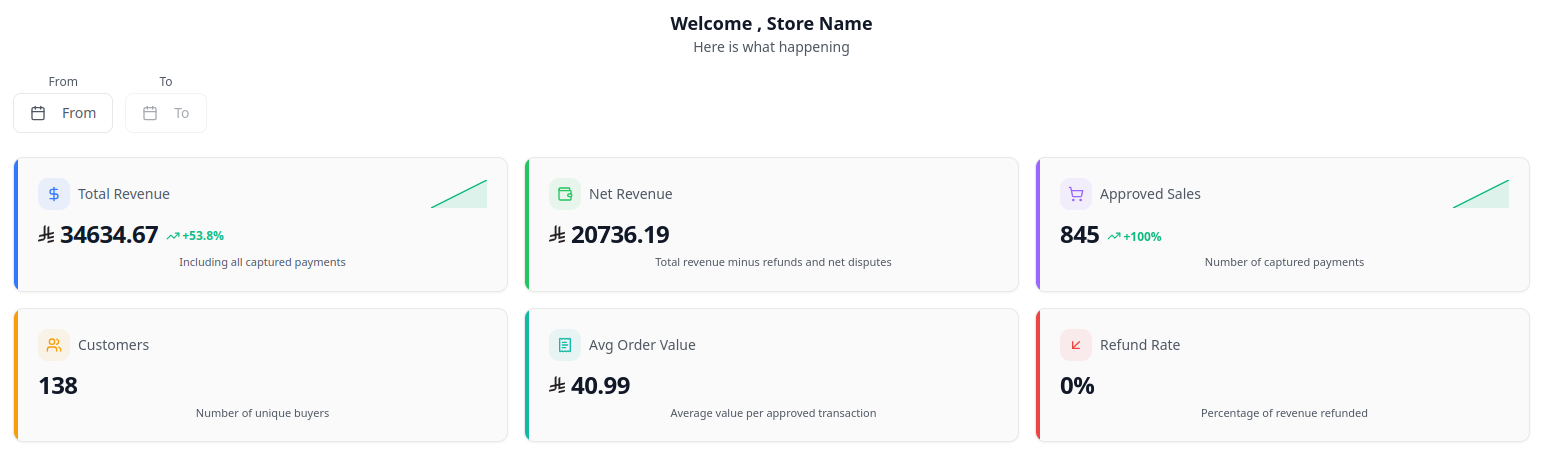
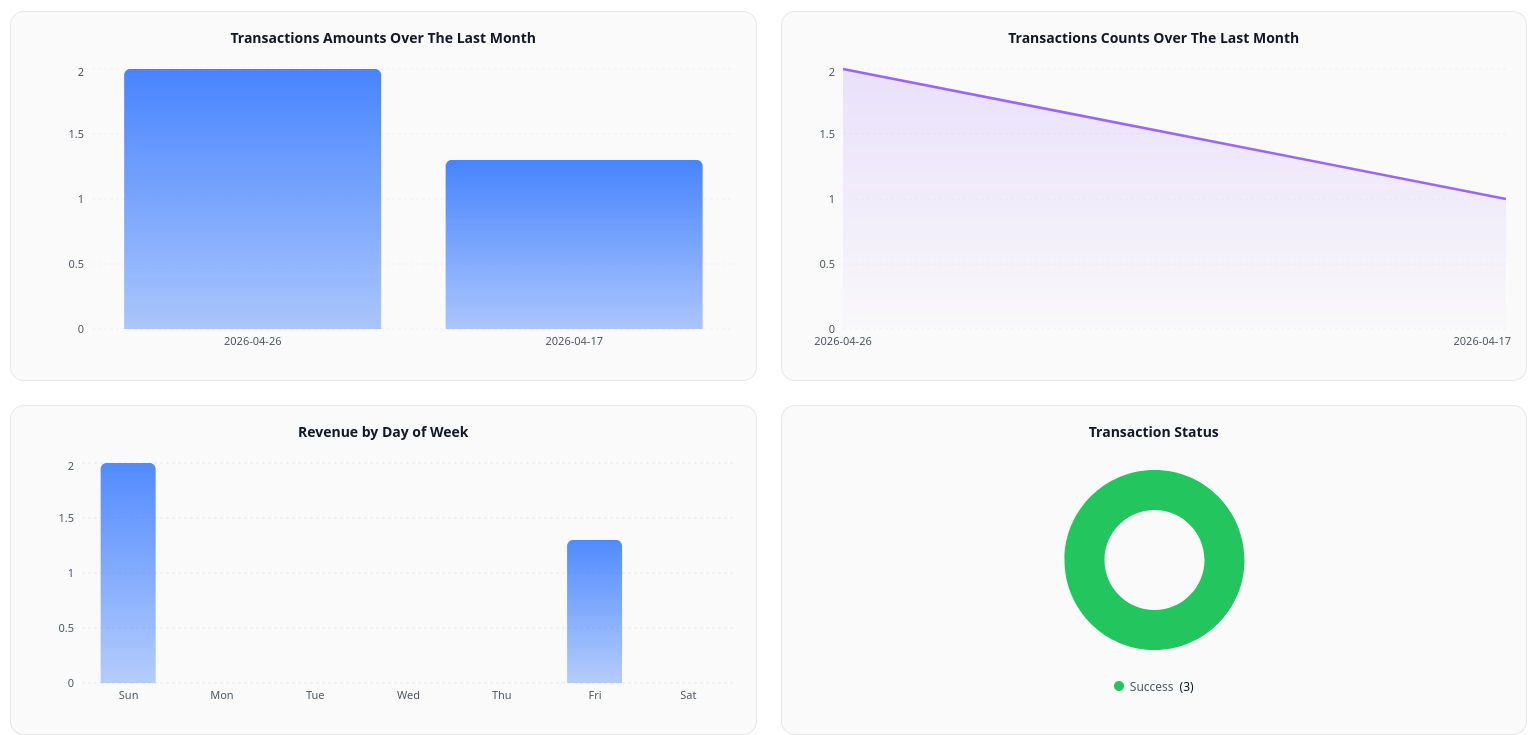
Key Metric Indicators
| KPI Metric | Calculation / Source | Business Importance |
|---|---|---|
| Gross Sales (SAR) | Sum of Captured Authorizations | Total sales volume generated across all online checkouts, payment links, and POS branches. |
| Merchant MDR Fees (SAR) | Agreed Contractual % + Fixed Fee per tx | Gateway processing fees assessed by Amwal. |
| VAT on Fees (15%) | MDR Fees × 15% | Statutory Saudi Value Added Tax applied exclusively to service fees. |
| Net Payout (SAR) | Gross Sales - MDR Fees - VAT | Exact net funds transferred into your registered Saudi corporate IBAN via SARIE. |
| Approved Sales Count | Count of transactions with status: success | Measures checkout conversion rate and sales velocity. |
3. Core Navigation Sections
The left sidebar provides instant access to all core platform functions:
├── Dashboard              # High-level financial KPIs, revenue charts, and volume trends
├── Transactions           # Real-time transaction feed, payment drilldown, and instant refunds
├── Statements & Reports   # Daily settlement batch logs, SARIE transfer IDs, and ZATCA VAT PDFs
├── Create Payment Link    # Dynamic SMS payment links and scannable in-store checkout QR codes
├── Create a Store         # Provision new online sales channels with isolated API keys
├── In-Store - Branches    # Configure physical retail store branches, supervisors, and cashiers
├── User Management        # Granular Role-Based Access Control (Owner, Admin, Accounting, Cashier)
└── Settings & API Keys    # Public keys, secret API keys, and webhook signing endpoints
4. Operational Best Practices
Daily Reconciliation Routine
Match your daily bank statement deposits against the unique SARIE Batch Reference Number generated in Statements & Reports.
Branch Performance Auditing
Filter revenue analytics by physical branch to identify top-performing retail sales locations and cashier efficiency.
Fast Refund Turnaround
Process customer returns promptly within 30 days for Mada and 60 days for Visa/Mastercard to prevent bank chargeback disputes.
Role-Based Security
Enforce principle of least privilege: assign Cashier roles to frontline staff and reserve Admin/Owner roles for management.