
Shopify Installation Guide
Integrate Amwal 0% Bank Installments directly into your Shopify storefront. The official Amwal Shopify App supports full SAMA compliance, multi-bank 0% financing (3 to 24 months), and automatic order fulfillment synchronization.
Prerequisites
- An active Shopify store (Shopify Basic, Shopify, Advanced, or Shopify Plus).
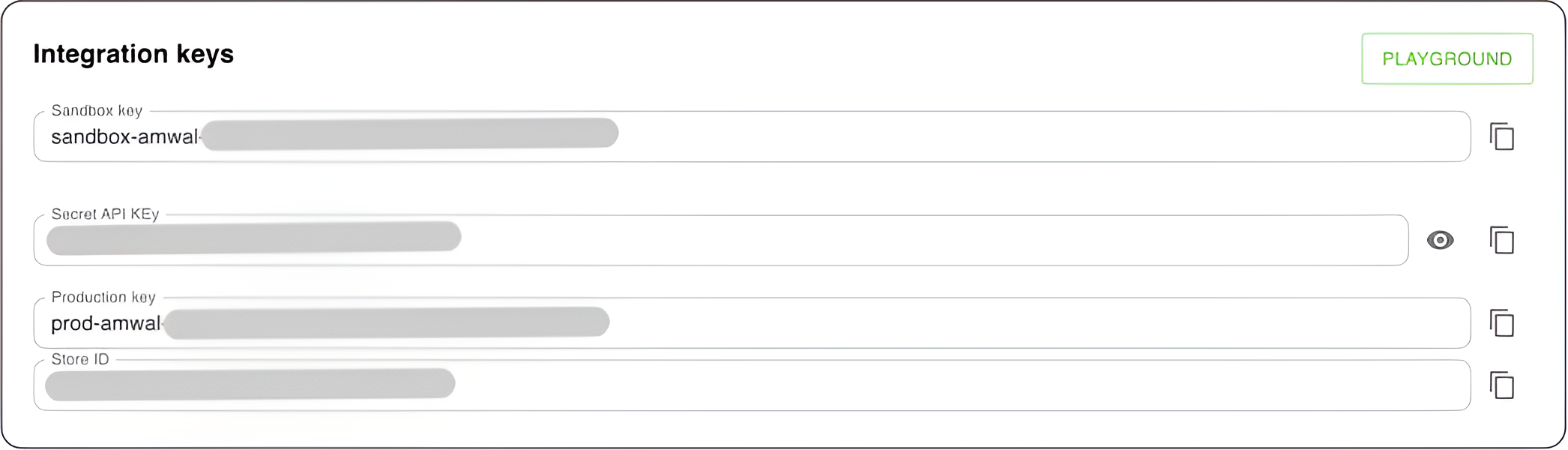
- An Amwal Merchant Account with your Merchant ID and Secret Key (see Integration Keys).
Installation Steps
1. Install the Shopify App
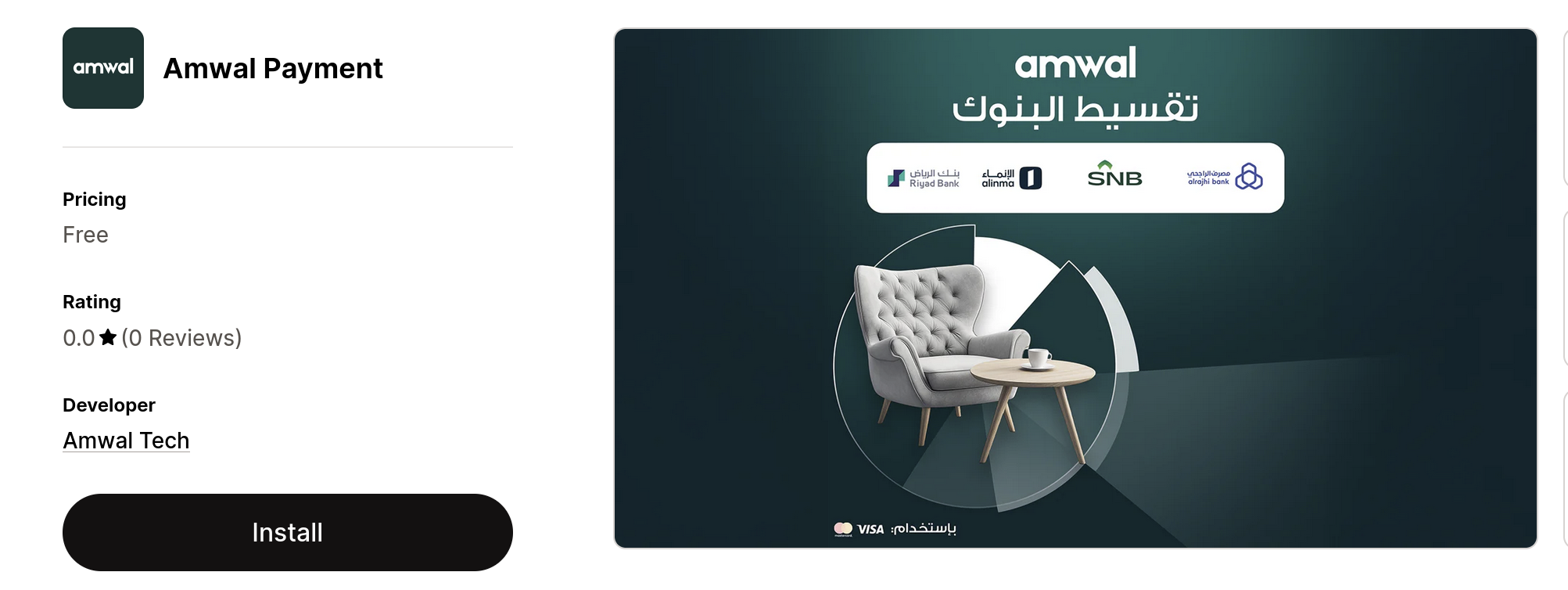
Open the Amwal Payment App on the Shopify App Store and click Install.
2. Confirm Permissions in Shopify Admin
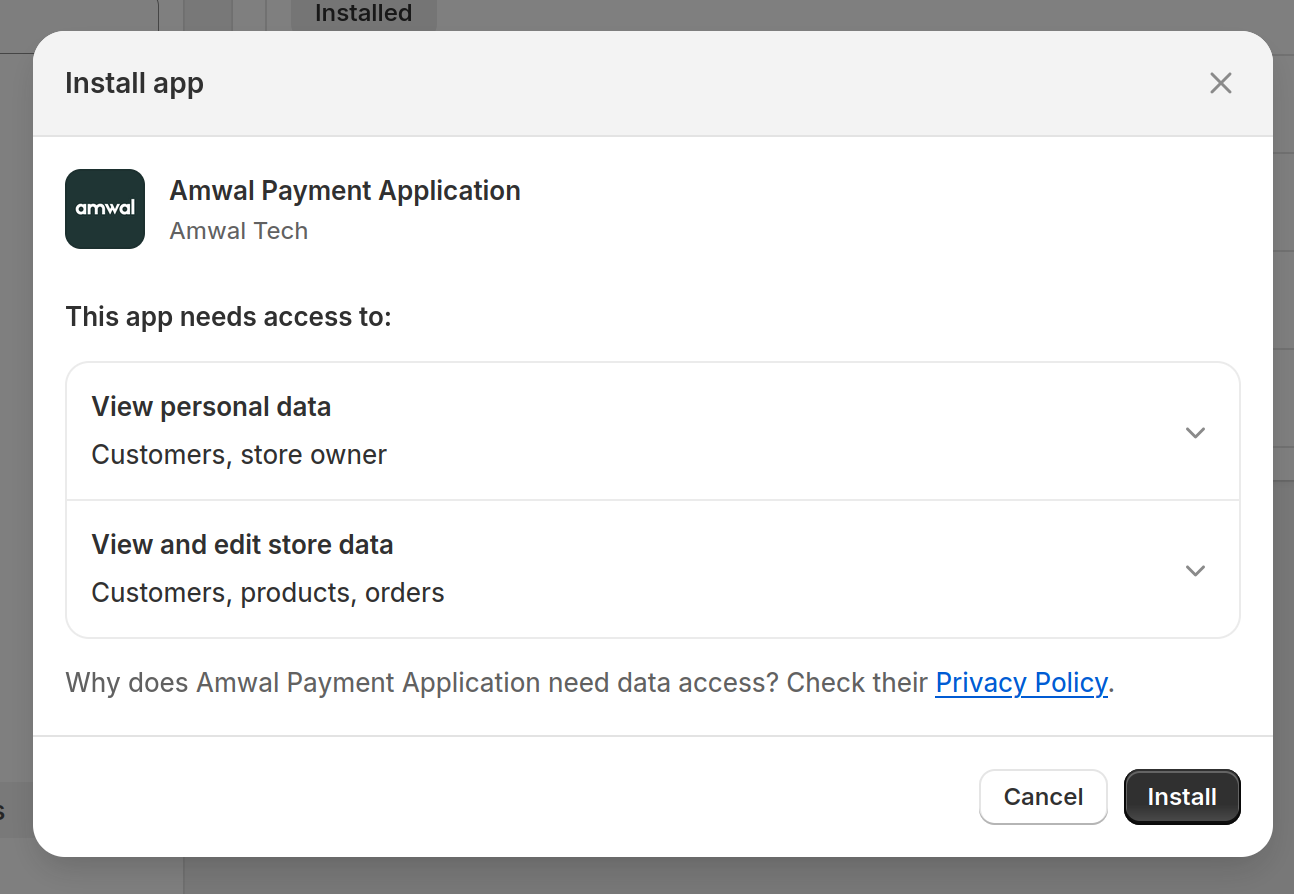
You will be redirected to your Shopify store administration panel. Review the required scopes and click Install app:
3. Link Merchant Credentials
After approving permissions, the Amwal configuration page opens:
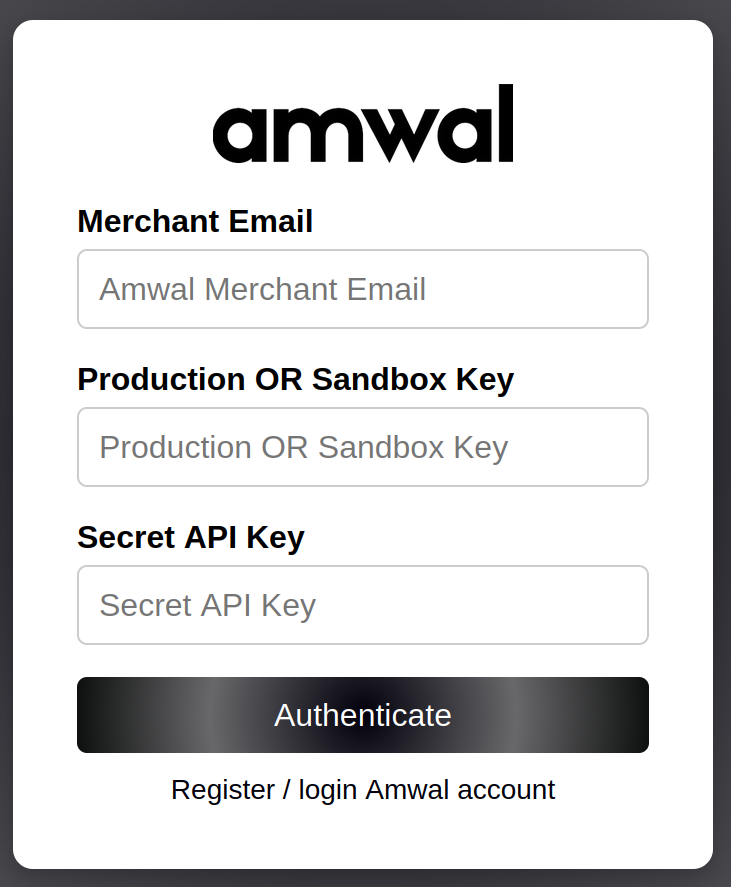
- Enter your Merchant ID (Public Key) from the Amwal Merchant Dashboard.
- Enter your Secret Key.
- Click Authenticate & Save.
4. Activate Payment Gateway in Shopify Settings
In your Shopify Admin, navigate to Settings → Payments → Supported Payment Methods:
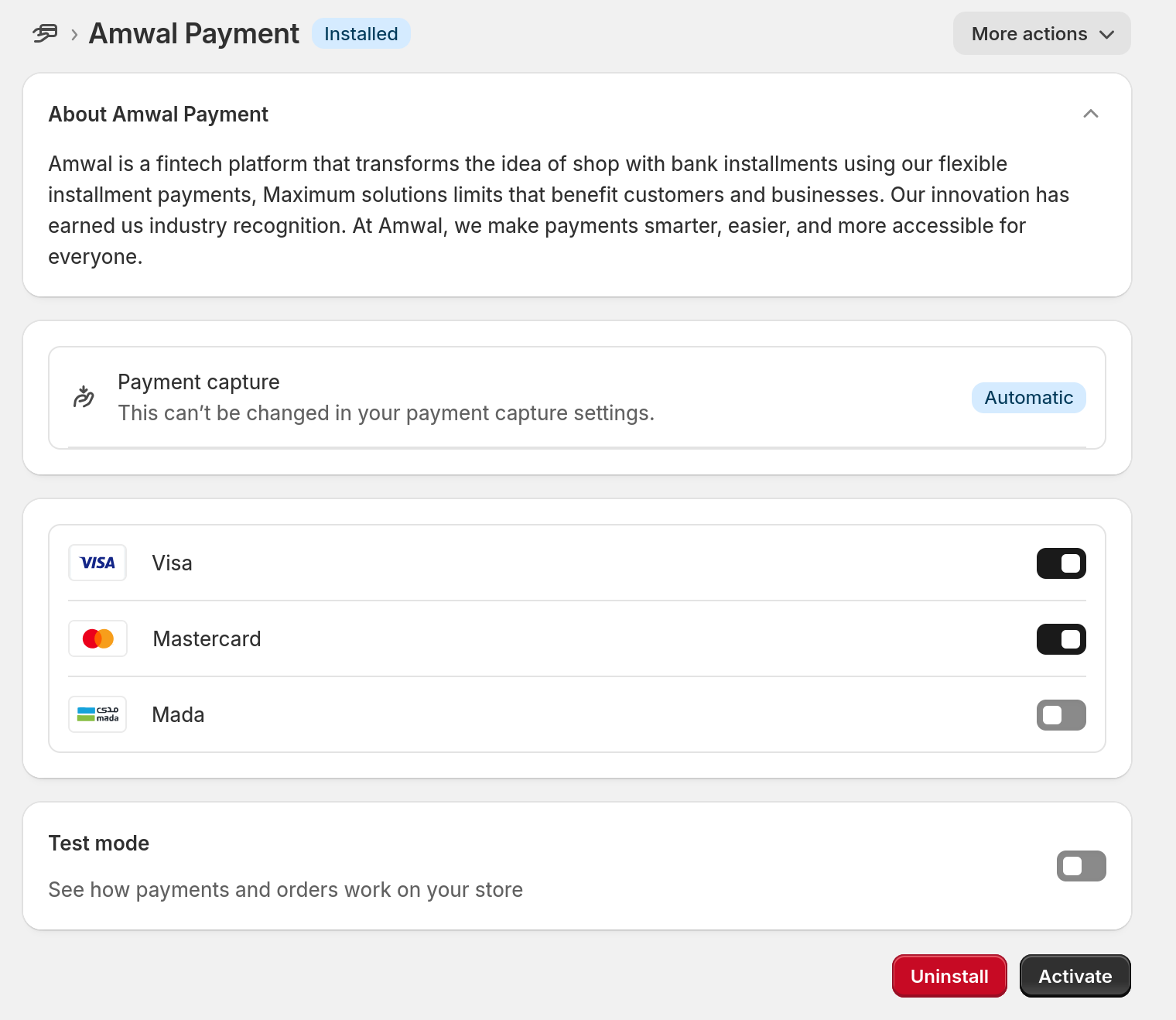
- Locate Amwal Payment.
- Select the card brand payment icons you wish to display on checkout (Mada, Visa, Mastercard).
- Test Mode: Check Enable test mode if using sandbox credentials. Uncheck when ready to accept live transactions.
- Click Activate Amwal Payment:
5. Final Confirmation
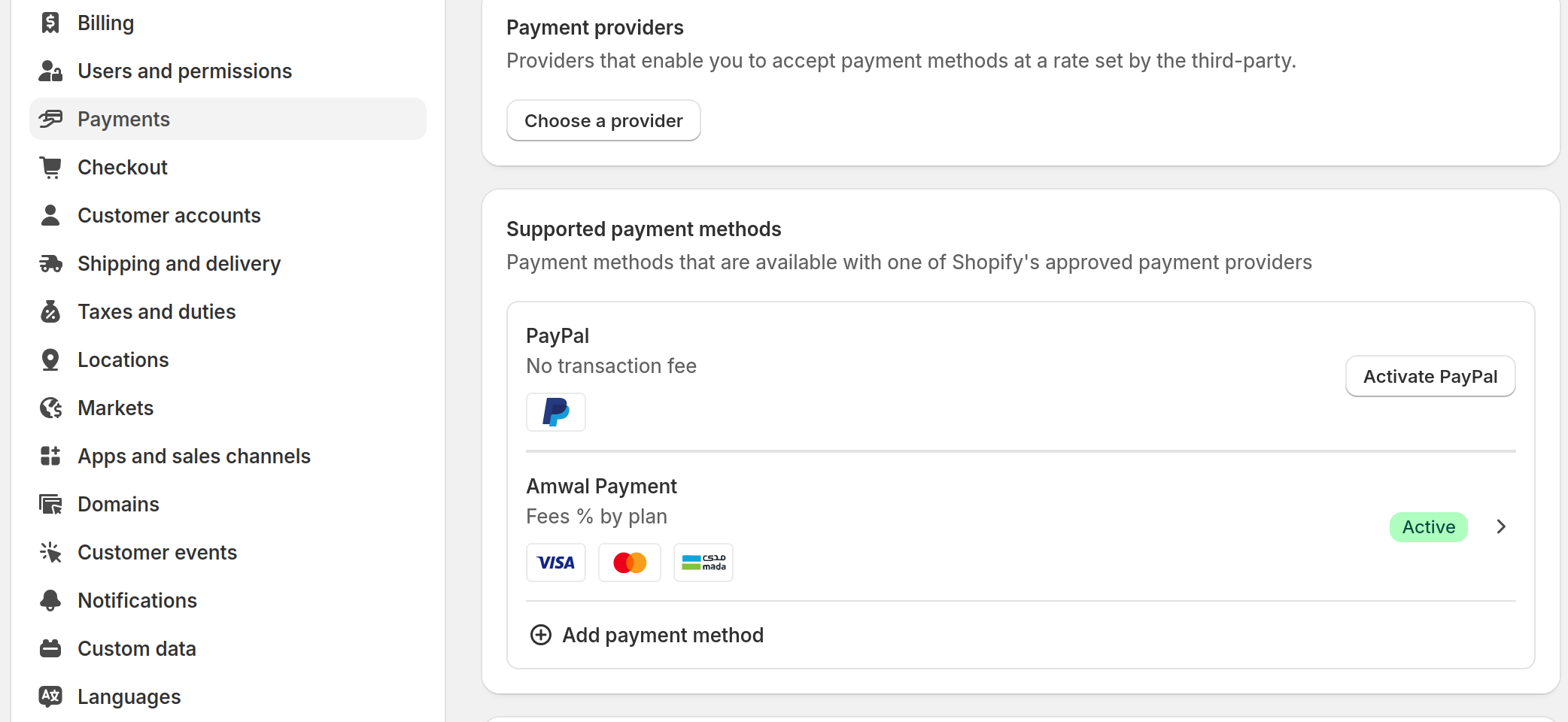
Once activated, Amwal will appear as an active primary payment method in your Shopify Payments list:
Customer Checkout Experience
During the payment step of Shopify Checkout, customers select Amwal 0% Bank Installments:
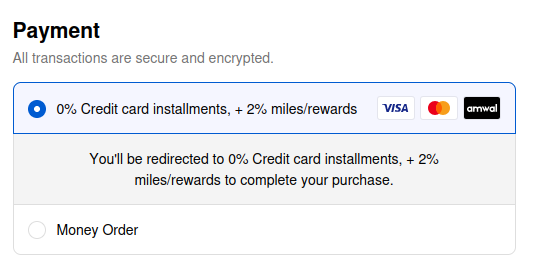
- Bi-lingual Title: Displays 0% credit card installments, + 2% miles/rewards (or Arabic: “0% تقسيط بالبطاقات الائتمانية، حتى 2% أميال/مكافآت”).
- Seamless Authorization: Customers click Pay Now to select their Saudi issuing bank (Al Rajhi, SNB, Alinma, Riyad Bank) and choose their preferred installment term (3 to 24 months).
- Instant Order Creation: Upon successful bank 3DS approval, the order transitions to Paid in Shopify Admin.
Next Steps
Plugins Overview
Turnkey e-commerce plugins for Shopify, WooCommerce, and Adobe Magento with 0% Bank Installments and 1-Click Checkout.
Shopify Installment Widget
Embed and customize the Amwal 0% bank installment promotional widget on Shopify Product and Cart pages using Online Store 2.0 Theme App Extensions.