
Magento 2 Installation Guide
Install the official Amwal Payments module on Adobe Commerce (Magento 2) to accept 0% bank installments, instant Apple Pay, and biometric checkout.
1. Installation Methods
Run the composer command from your Magento 2 root directory:
composer require amwal/paymentsDDEV & Docker Users
If you run Magento inside a DDEV or Docker environment, prefix the command with your container CLI (e.g. ddev composer require amwal/payments).
- Download the latest release
.ziparchive from the official Amwal Magento GitHub Releases. - Extract the archive contents.
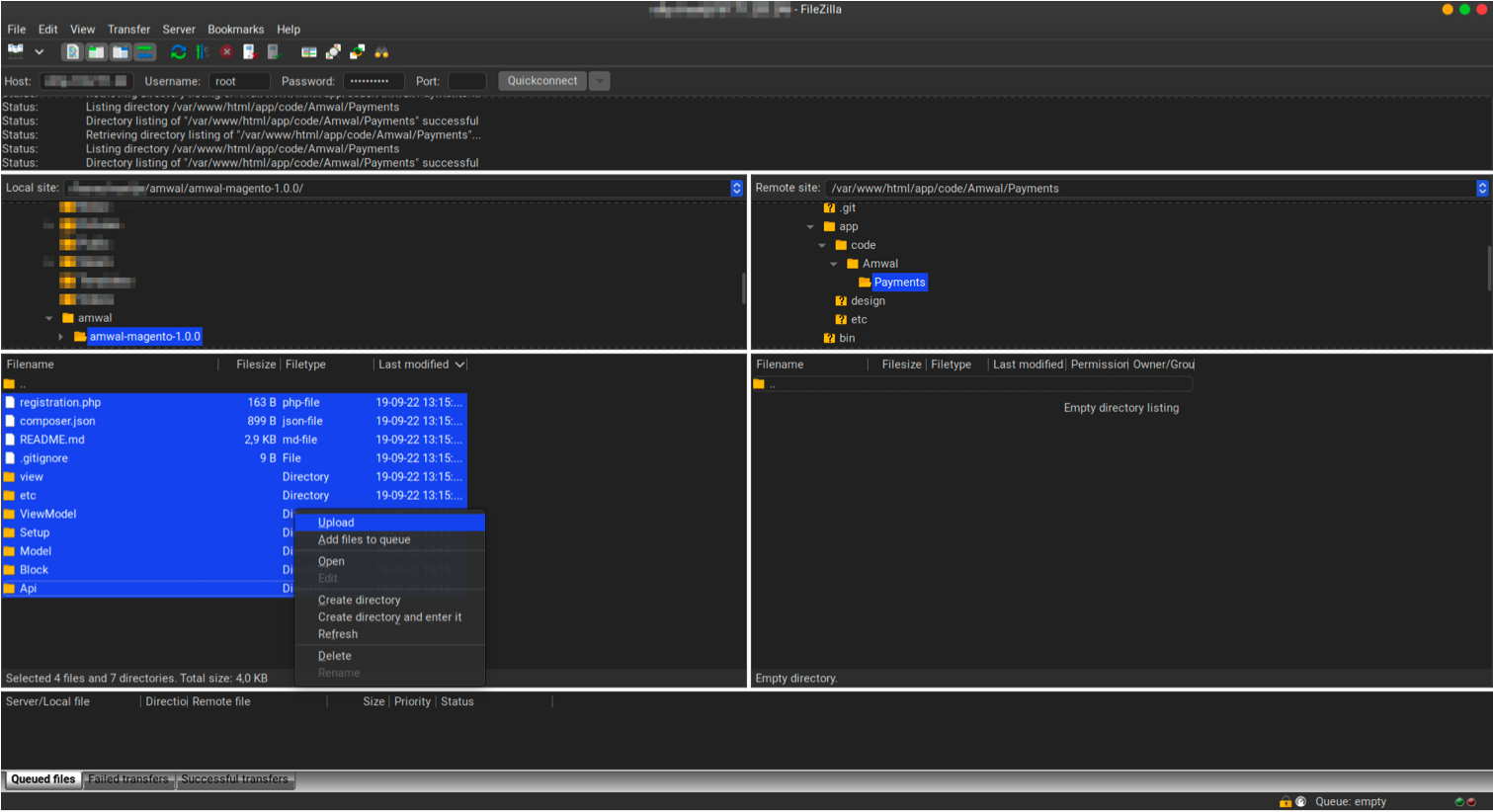
- Upload the files to your Magento installation directory at:
app/code/Amwal/Payments/
2. Post-Installation Setup & CLI Commands
After downloading or extracting the package, run the following sequence of commands in your Magento root directory to register and compile the module:
# 1. Enable the Amwal Payments module
bin/magento module:enable Amwal_Payments

# 2. Apply database migrations and schemas
bin/magento setup:upgrade

# 3. Compile dependency injection
bin/magento setup:di:compile

# 4. Deploy static storefront assets
bin/magento setup:static-content:deploy -f

# 5. Flush the cache
bin/magento cache:flush
3. Choose Integration Type
Once enabled, navigate to Stores → Configuration → Sales → Payment Methods → Amwal in your Magento Admin Panel:
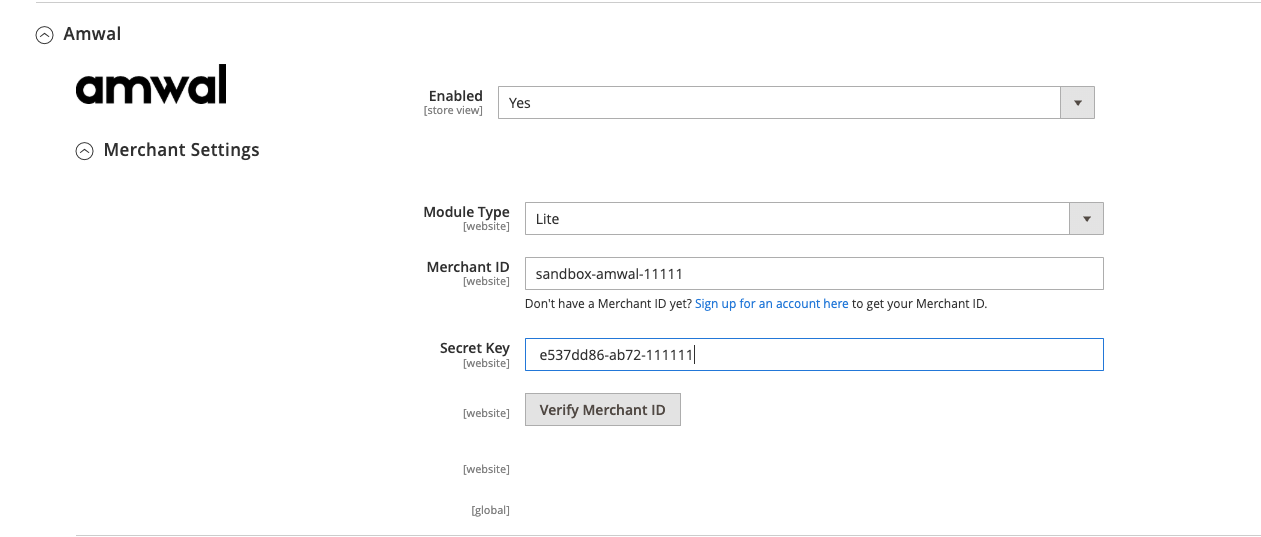
- Lite Setup (Quick): Restricts payment buttons strictly to the standard checkout page.
- Pro Setup (Recommended): Enables fast 1-tap checkout buttons on Product Detail Pages (PDP), Category Listings (PLP), and standard checkout.
Next Steps
WooCommerce Configuration
Complete configuration guide for the Amwal WooCommerce plugin, covering API credentials, webhooks, 0% installments, address mapping, and custom styles.
Magento 2 Plugin Configuration
Configure the Amwal Payments extension on Adobe Commerce (Magento 2), covering 0% bank installments, Apple Pay, webhooks, and cron synchronization.