Button Positioning Guidelines
Optimizing where you place the Amwal Quick Checkout button and promotional installment widgets significantly reduces friction, shortens checkout steps, and lifts conversion rates by up to 28%.
Recommended Placements Overview
Place Amwal checkout options at each high-intent stage of the buyer journey:
Rendering diagram...
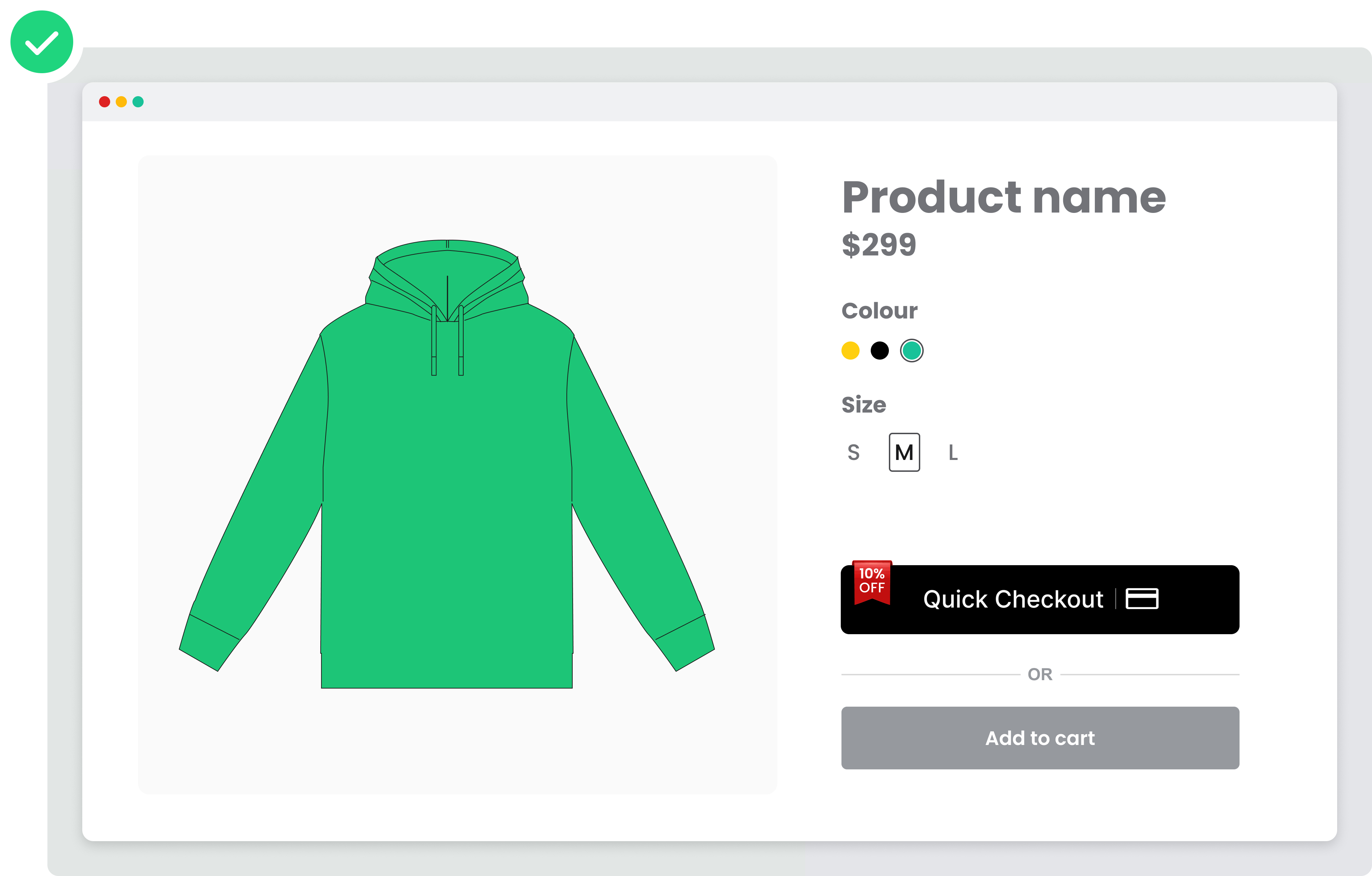
1. Product Detail Page (PDP)
Adding the Amwal Quick Checkout button to individual product pages reduces single-item purchase friction.
Placement Rules:
- Position the Amwal button above "Store Availability" or directly below the product price.
- Keep the button above the fold on mobile screens so shoppers do not need to scroll to discover 0% installment options.
Best Practice Example:
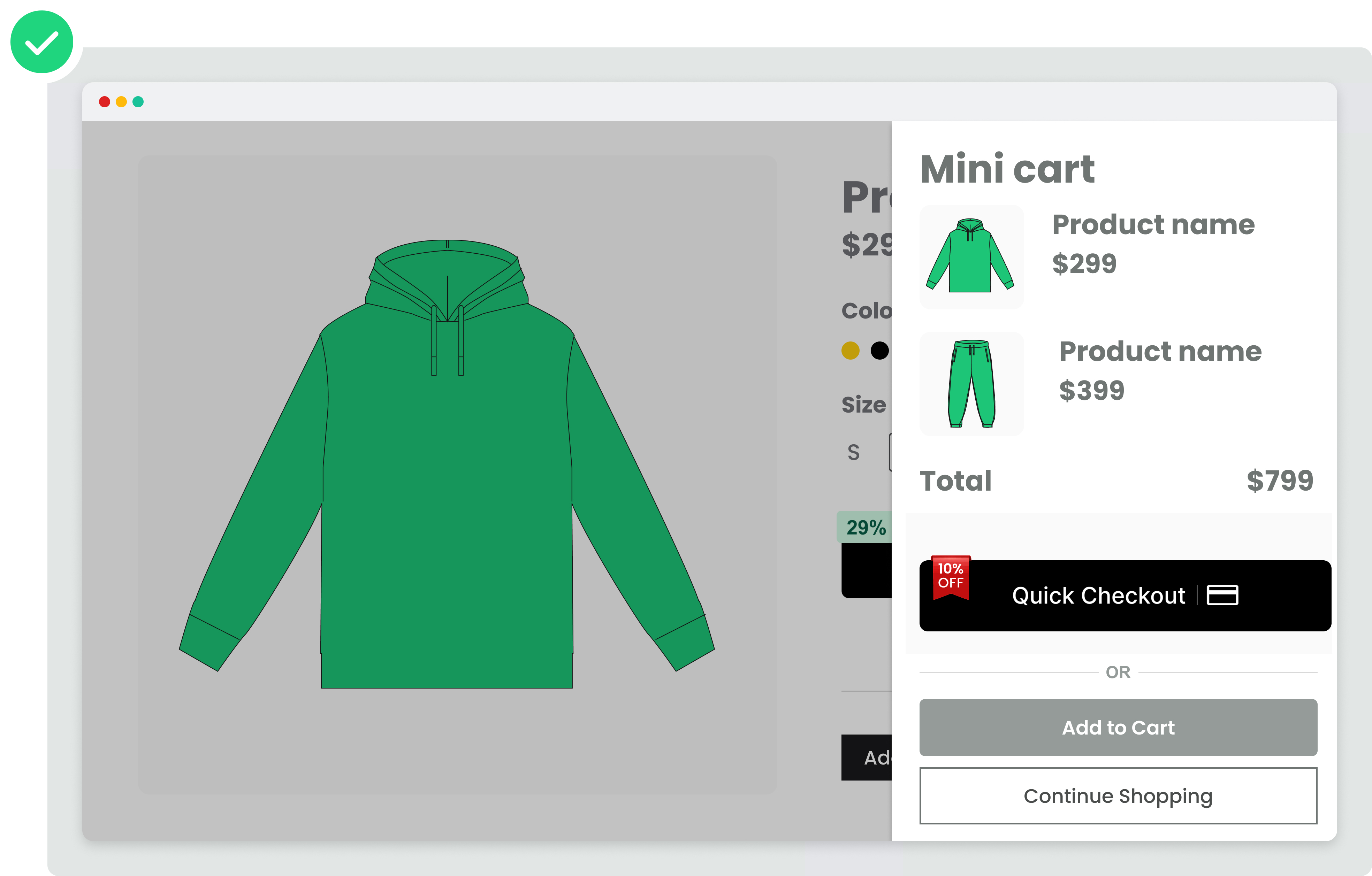
2. Mini Cart (Cart Drawer)
According to Amwal merchant analytics, the Mini Cart placement delivers the highest conversion rate across online storefronts:
Key Benefits:
- Gives shoppers an instant total calculation before reaching the full checkout form.
- Provides immediate 1-click checkout for multi-item baskets without page reloads.
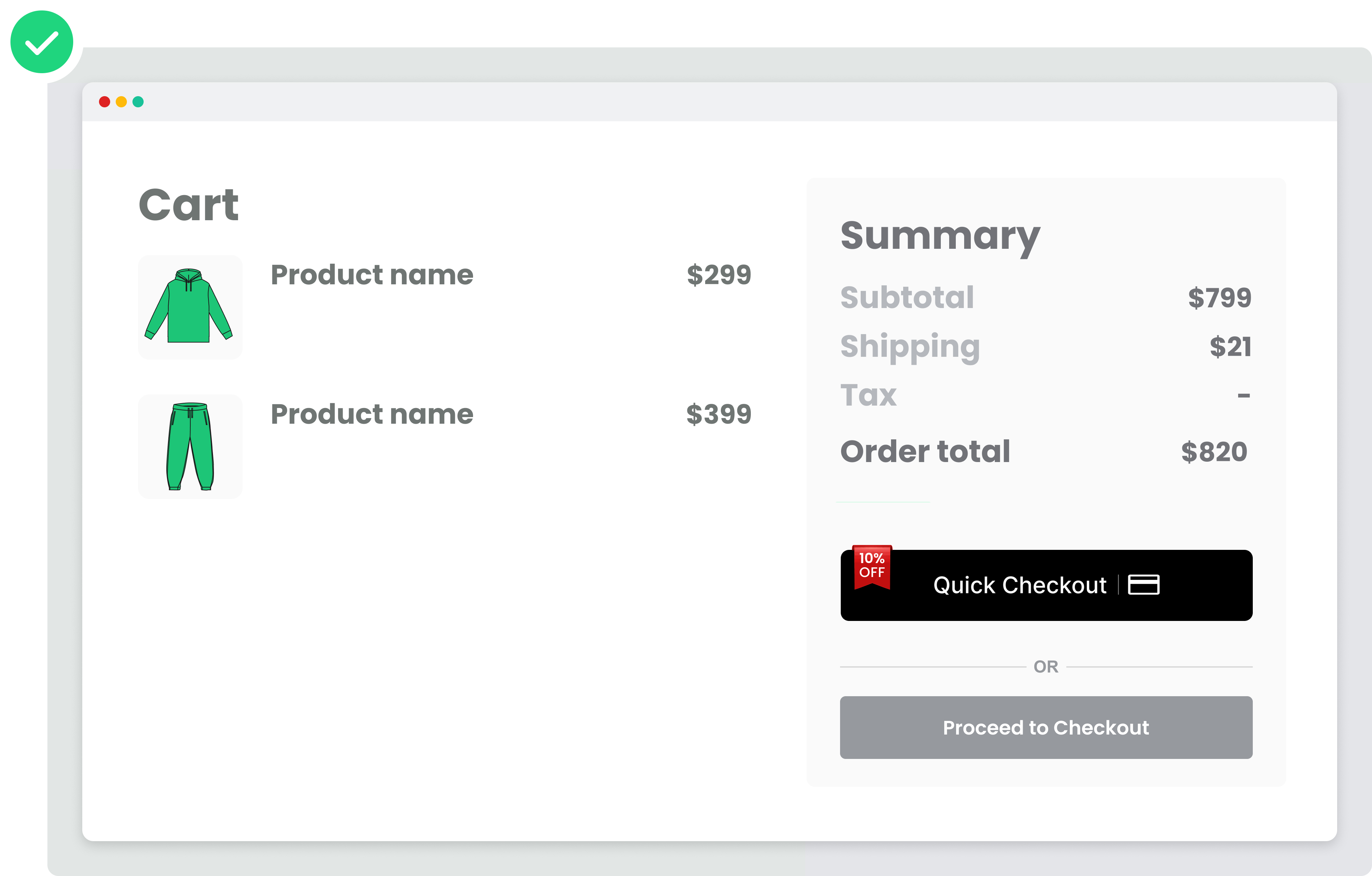
3. Cart Page
Place the Amwal button above the traditional "Proceed to Checkout" call-to-action button:
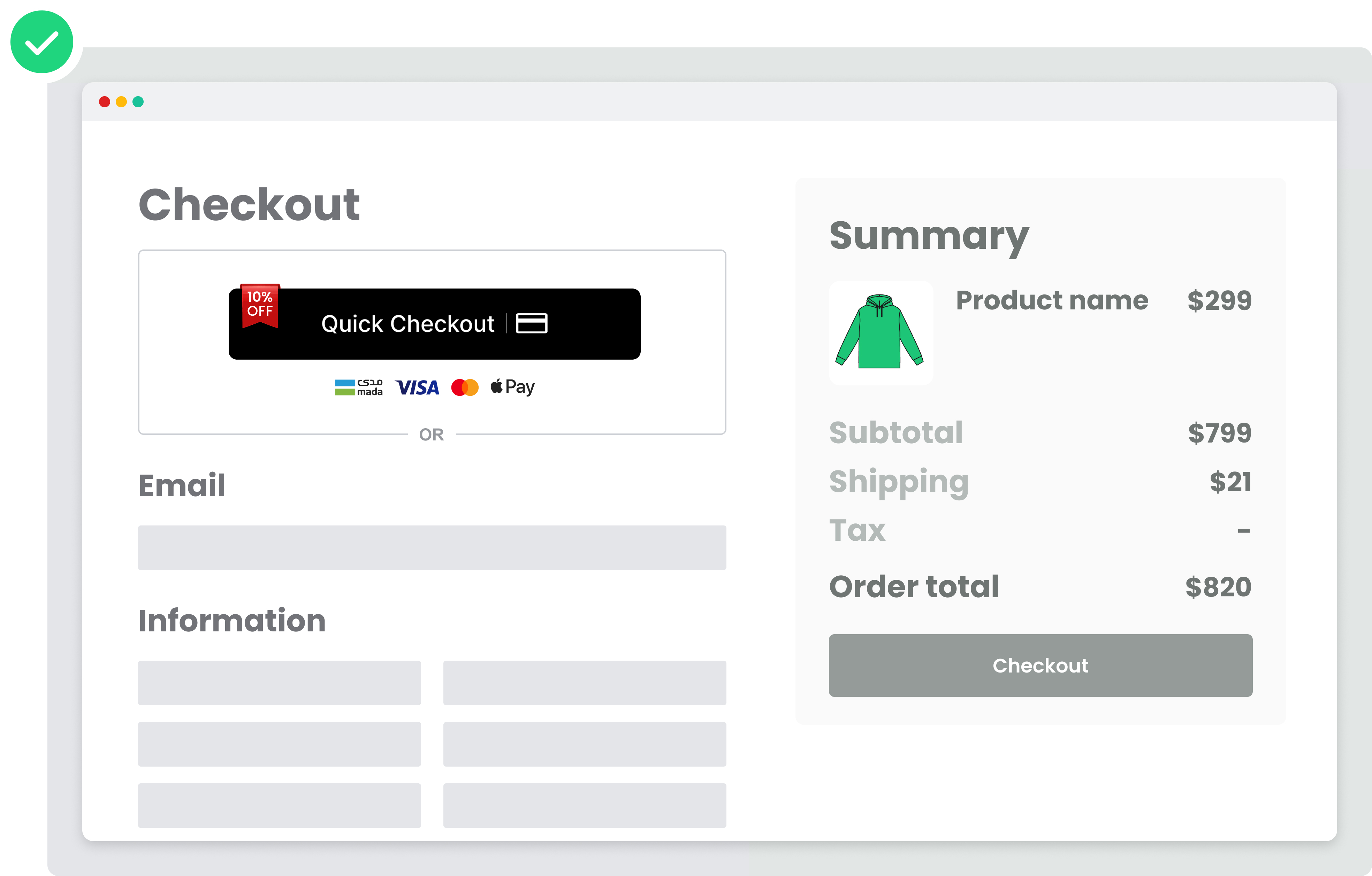
4. Checkout Page
On standard multi-step checkout pages, place Amwal at the top of the customer details form:
Why Top Placement Matters:
- Mobile shoppers can bypass filling in long shipping and billing address forms by authenticating directly with Amwal's stored Passkey credentials.
- Placing the button at the bottom forces unnecessary scrolling and hurts conversion.